

The must-have WoW Forever addons on this list start with Questie and Auctionator: both have Forever versions, while several other Classic favorites below don’t. The reason is technical. WoW Forever runs Blizzard’s modern addon system, the same family as Retail, so a Classic Era addon only loads in Forever once its author ships a Forever build. Forever also does some of these jobs itself: it marks quest objectives on the map, lets you move and resize frames in Edit Mode, and has a built-in Cooldown Manager (Blizzard’s beta development notes).
Where the ten addons below stood on November 5, 2026, the day after launch, checked against each addon’s release pages on CurseForge, WowAce and GitHub. Our WoW Forever addons guide covers more leveling addons:
| Addon | What it does | WoW Forever status |
|---|---|---|
| Questie | Quest givers and objectives on the map | Forever version released (12.6.1, November 5); its data still has none of Forever’s new quests |
| Auctionator | Auction house scanning and selling | Forever version released (CurseForge, October 13) |
| Postal | Empties your mailbox in one click | No Forever version: its latest file (4.3.5, October 2) lists only Retail |
| Grid2 | Compact raid frames | Forever version released (4.1.9-forever, October 21) |
| Clique | Click-casting on unit frames | Forever version released (5.1.0, November 1) |
| Deadly Boss Mods | Boss timers and warnings | Forever support in its 12.1.19 release (November 3); Forever’s raids open December 9 |
| AtlasLoot Classic | Loot tables | No Forever version; last update June 2024 |
| Atlas | Dungeon maps | Forever version released (1.54.04, October 20) |
| Cartographer | Map reveal and coordinates | No longer maintained |
| Quartz | Movable cast bar | No Forever version: its latest release (3.7.17, January 2026) has no Forever support |
| Prat | Chat timestamps and class colors | Forever version released (3.9.116, November 4) |
Updated November 5, 2026: now covers WoW Forever, with a status for every addon. Removed the 2019 notes about addons still being ported to Classic, and the Questie, Auctionator, Deadly Boss Mods and Quartz links now go to current downloads. Postal, Clique, Atlas and Prat were checked later the same day.
1. Questie
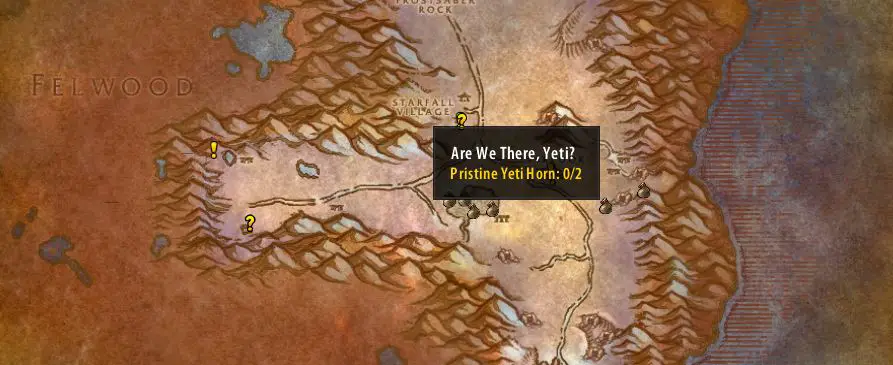
Questie is one of the most useful Addons for Classic WoW overall. It shows you the locations of quest givers, quest locations and any other quest related information on the map. Don’t know where to find those ogres you need to kill? Just open the map, and Questie will show you! This is my absolute top pick.
2. Auctionator
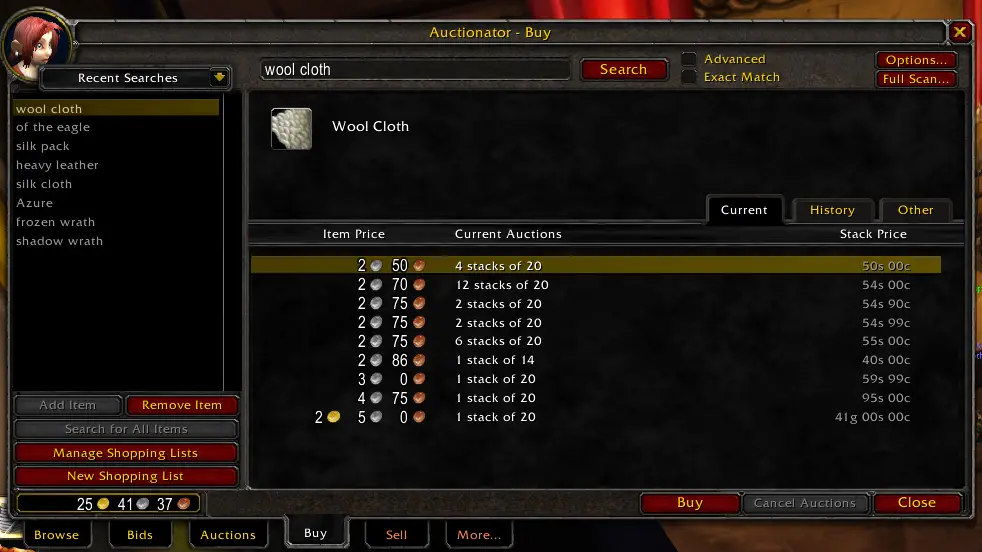
While many people prefer Auctioneer, I like Auctionator a lot. It lets you easily check the prices of one or multiple items on one page, without a lot of scrolling. You can buy several stacks at once without hassle, and it makes selling a lot easier, too. Basically, it’s a light-weight version of Auctioneer with some extra utility. Very useful for Auctionhouse trading to make gold!
3. Postal
If you sell a lot on the Auction House, or just get a lot of mail in general, this small Addon is for you. With the click of a button, you can empty your whole mailbox. Never click 50 mailed items individually again! An absolute must have in terms of Addons for classic in my opinion.
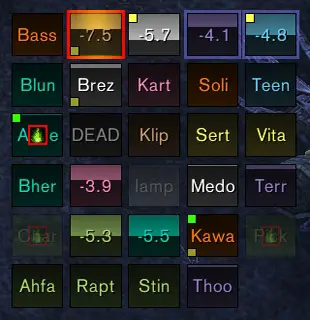
4. Grid
Grid provides unit frames for raids in a compact, simple way that doesn’t clutter your whole screen. It is very useful to keep an overview of how the raid is looking during boss fights, with one quick glance at it. This Addon is very popular with healers, especially in combination with the next one in the list:
5. Clique
Clique basically does what it says on the tin: It lets you configure modifiers for your mouse buttons, and bind spells to them. So, for example, you can bind your Healing spell to Shift+Left Click. With this setup, you can just shift click on the unit frame of a party member to cast the spell. This is very useful, especially in dungeon or raid scenarios.
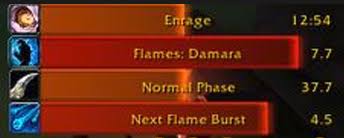
6. Deadly Boss Mods
Boss Mods are a must have for any raider. Deadly Boss Mods provides timers and alarms for important boss abilities. This gives you time to react when you need to avoid something or taunt the boss. Many people also use BigWigs for this, and I recommend installing both of them, if you are unsure which one your guild is using.
7. AtlasLoot + Atlas
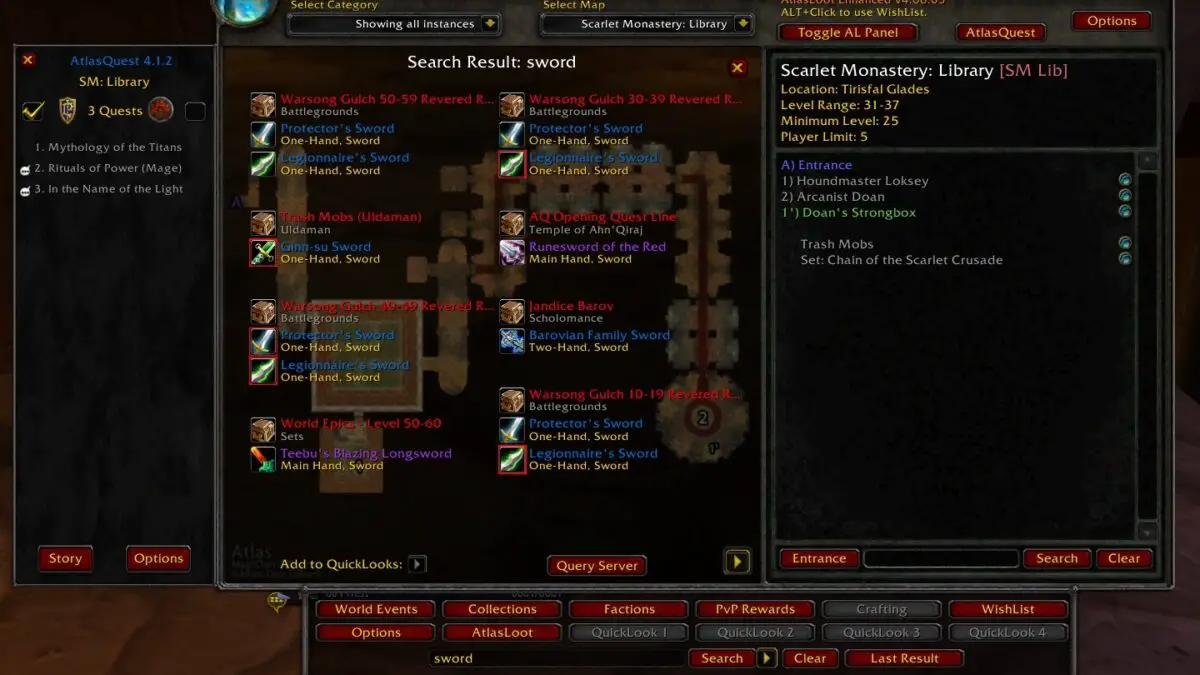
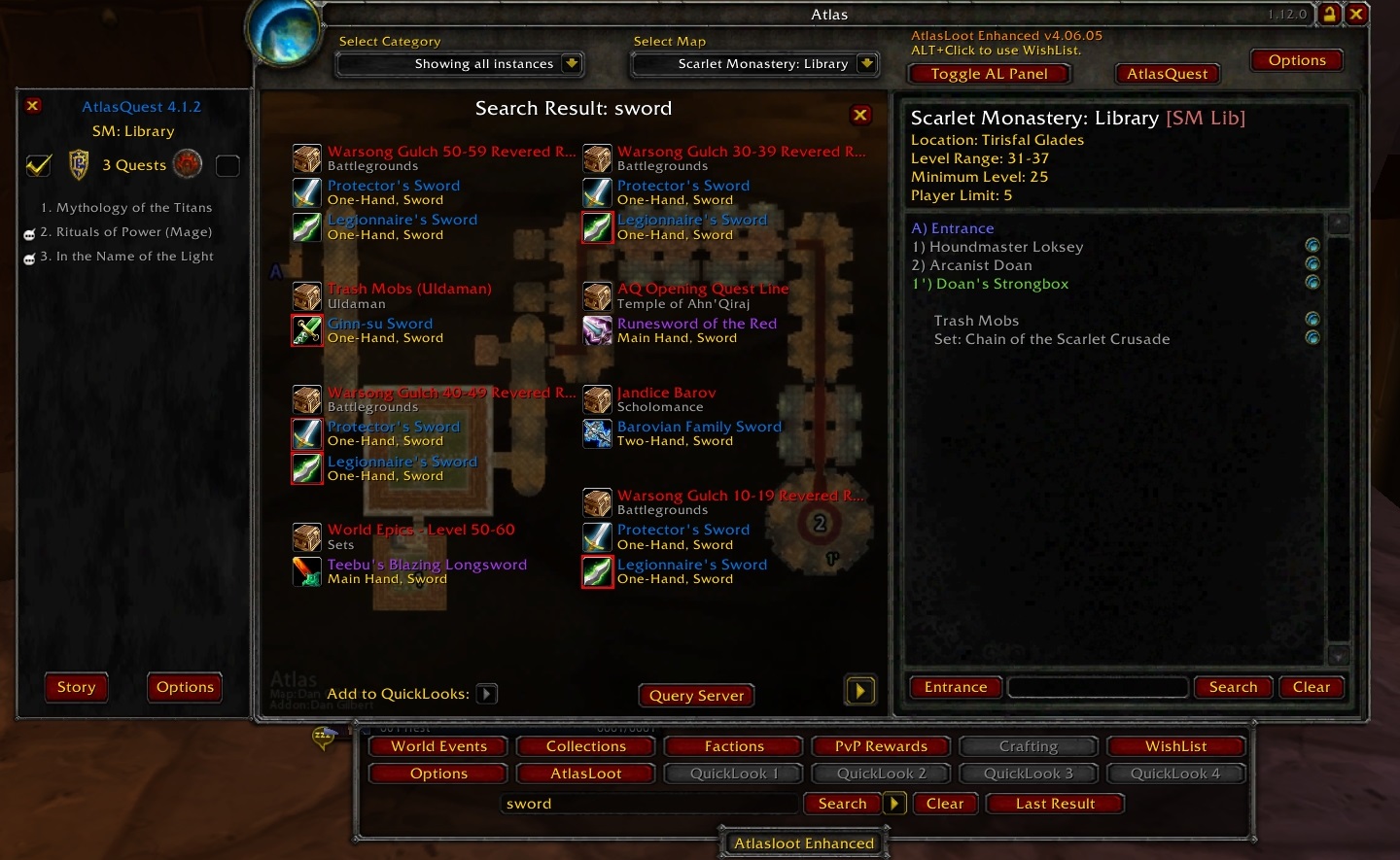
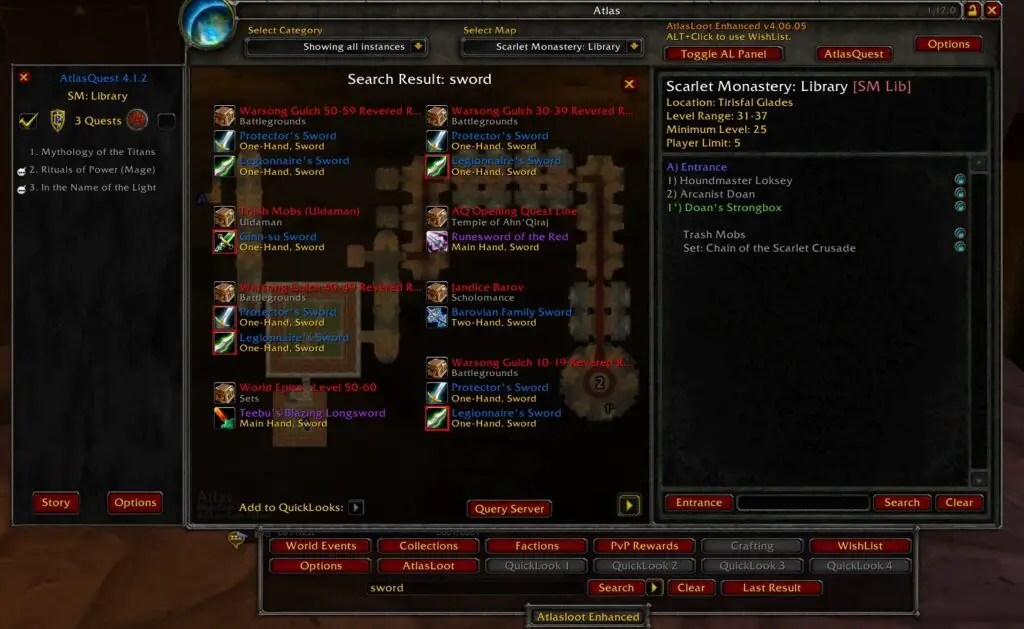
Have you ever been lost in a massive dungeon, like Maraudon or Blackrock Depths? Or have you wondered what kind of loot you might get in a dungeon or raid? Well, with Atlas and AtlasLoot combined, these problems are no more! It has maps of all the dungeons and raids, and loot tables for every boss, including trash drops and rare mobs within dungeons.
8. Cartographer (no longer maintained)
This one might not be for everyone. Classic WoW is about exploration and adventure, and having and Addon that reveals the complete map might not be what you want. But if you have played through the game several times and just want to see the whole map, Cartographer did exactly that, and it also added coordinates and some other utilities. It is no longer maintained: its WowAce page calls it an outdated framework, and we found no Classic Era or WoW Forever version, so look for a maintained map addon instead.
9. Quartz
This simple Addon adds a configurable castbar. You can move it, resize it anything you want. It has tons of useful options! Have you ever wondered how long it takes to craft a lot of items at once? Quartz shows you how long it will take when you click on “Craft All”. Very useful, even if you are not a caster.
10. Prat for Classic
Everyone needs a chat addon. Prat adds class colors to the chat box, time stamps, and tons more usefulness to your chat in Classic WoW. There is also a good alternative for this, Chatter, which has similar options. I can’t live without a chat addon anymore, and so it had to make this list of Addons for Classic.
The links go to each addon’s download page. Pick the file for your game: Classic Era, or WoW Forever where the addon has one.
Addons in WoW Forever
Addons in WoW Forever install like Classic ones, with one difference: you need the Forever file. On an addon’s CurseForge page, pick the file listed under WoW Forever, not Classic or Classic Era. If an addon shows as out of date on the AddOns screen at character select, it has no Forever version; replace it rather than forcing it to load.
Forever includes Retail’s newer addon restrictions in combat, which hit damage meters and aura trackers hardest; WeakAuras, for example, has no Forever version. Our WoW Forever addons guide has the full leveling setup, the built-in features that replace addons and step-by-step installation. Quest addons help most while leveling, so pair Questie with our WoW Forever leveling guide.
Where the hell are the links?
Click The Blue Names And it Takes You To The Download Site. The Blue Name Is the Link…
Where do I find Atlas itself? AtlasLoot is easy and that’s all the link gives us, but I can’t seem to be able to find the one with maps and dungeon quests
Hey Dave!
I added the link to Atlas. The two are now seperate links. Thanks for catching it!
The plugins with a (?) behind them don’t work with WoW Classic 1.13 yet, like “Cartographer”.